Section 17.2 Computing Number of Steps: Post-Processing
Using the hardware and software defined above I had my partner run down the hallway after I ensured there was a solid connection between the CPB and my smart phone. I then exported the data to a text file and plotted the raw data using Thonny.
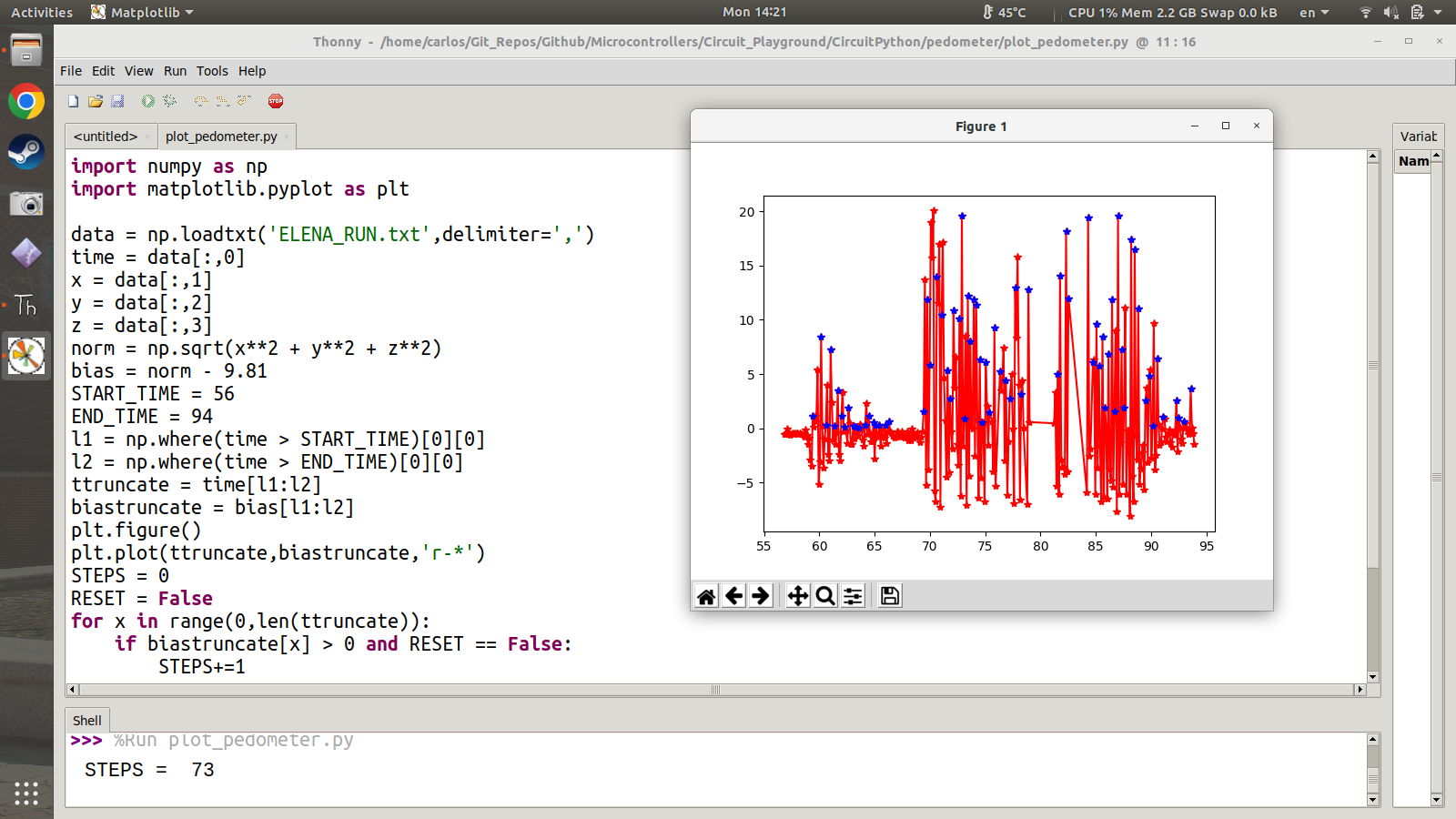
Upon inspecting the raw data it seems as though my partner began running around 68 seconds. At about 80 seconds my partner reached the end of the hallway and the CPB got a bit out of range. As such there is a gap in the data. The accelerometer streams return once my partner begins running back down the hallway. In order to simply look at the data of one run the data was truncated from 69 seconds to 79 seconds as shown in the Figure below.
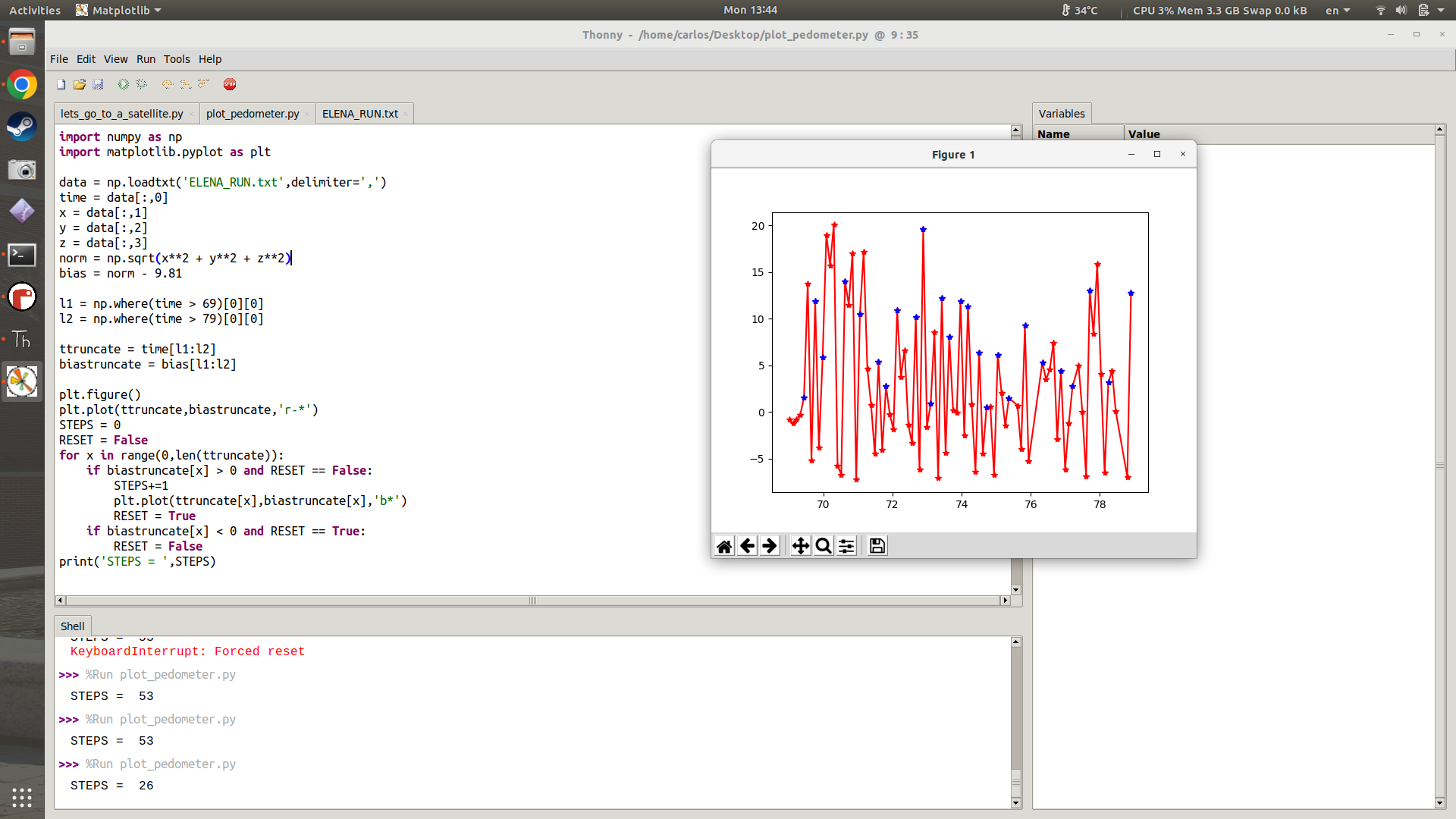
In order to count steps the algorithm is fairly simple and not very robust but it does at least give you a sense of how data can be analyzed to obtain steps. First, the norm of the accelerometer data is computed and then the norm is substracted by 9.81 \(m/s^2\text{.}\) When glancing at the data the steps seem to be taken when the result of the norm-9.81 goes from positive to negative. It is possible that there is some aliasing in the data but for a simple experiment like this a rudimentary algorithm can be created. First the STEP counter is set to zero and then a for loop is created to loop through the data. When the data goes from positive to negative a STEP is created. This is done by using a RESET flag and checking whether or not the data becomes positive. This algorithm computes 26 steps which seems reasonable for the length of the hallway.

