Section 9.2 Method 1 - Copying Serial Monitor Data
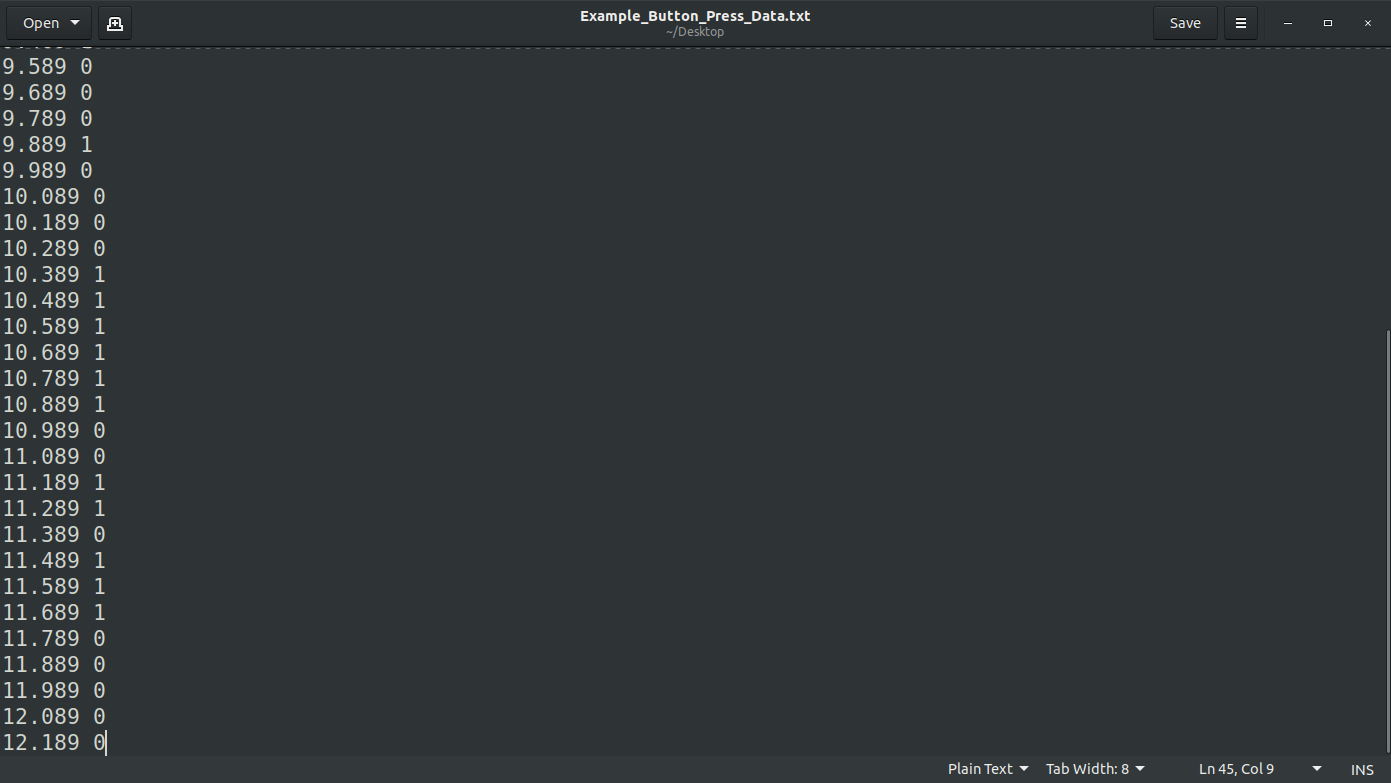
If you open up the serial monitor you can see the data output. If you unplug the CPX while it’s taking data the code will stop. Note: In newer versions, unplugging your CPX will result in a loss of data. If this happens try pressing CTRL+C after you click the REPL window. With the code stopped you can select all the data in the Serial monitor and then copy and paste the data into a text file on your computer. You can actually copy this into a new file on Thonny and just save it as a *.txt file. Once you have the data in a text file you can proceed to plotting on your desktop which I discuss in the last section. Here’s some example data in Gedit which is a simple text editing program.