Section 17.1 Gathering Accelerometer Data
First we need to make sure we can gather accelerometer data. The low level accelerometer code is relatively simple and is explained in the Modules lab (Chapter 15). In order to gather the accelerometer data while running you’ll need to be able to operate the CPB/CPX untethered from a computer. This means you have to use Method 3,4 or 5 (See Chapter 9, Chapter 10 or Chapter 11. Remember that Method 1 and 2 require a computer and running with a computer would be difficult if not impossible. Method 3 requires a lot of setup to log data directly to the disk and Method 5 needs extra hardware. So, for this lab we will just use the Bluetooth module to send data directly to your phone. Note that if you have a CPX you will have to use Method 3 or 5. The best way to do this experiment is with a partner. Have the CPB/CPX measure acceleration and place the entire device with a battery pack inside the runners pocket. Then have your partner connect to the CPB with the Adafruit Connect app and log data using the UART and Export to txt function. Remember not to run too far because the Bluetooth signal distance is only about 30 feet. See if you can combine the Bluetooth code and the acceleration code into one code to send time and the 3-axis accelerometer data. If you’re still having trouble, code for this lab can be found on Github[33]. Note if you have a CPX you will need to combine the accelerometer code with the Method 3 version of data logging.
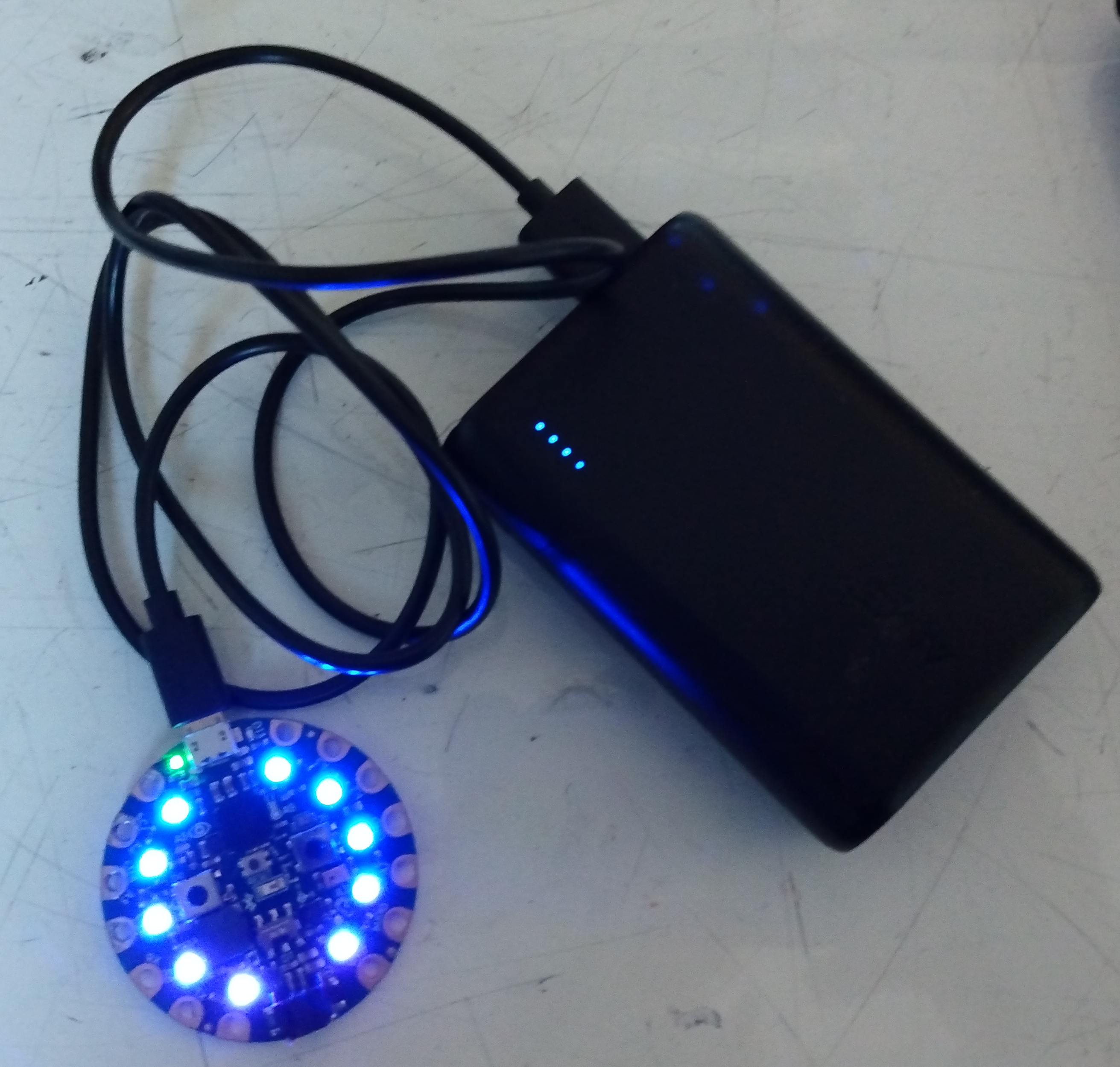
Running the CPX/CPB untethered does require a few extra steps besides writing the code. The first step is obviously to write the software that you want to run on the CPX/CPB. I recommend testing the code extensively while tethered to the computer so you can debug using the REPL. Once you’re certain the code works you can disconnect the CPX/CPB and connect it to a battery pack. Once again I recommend testing the code with the battery back before you perform the experiment. In this experiment I used an external USB battery bank as shown in the photo below. My code also utilizes the neopixel library to turn on some LEDs.